See your PC screens
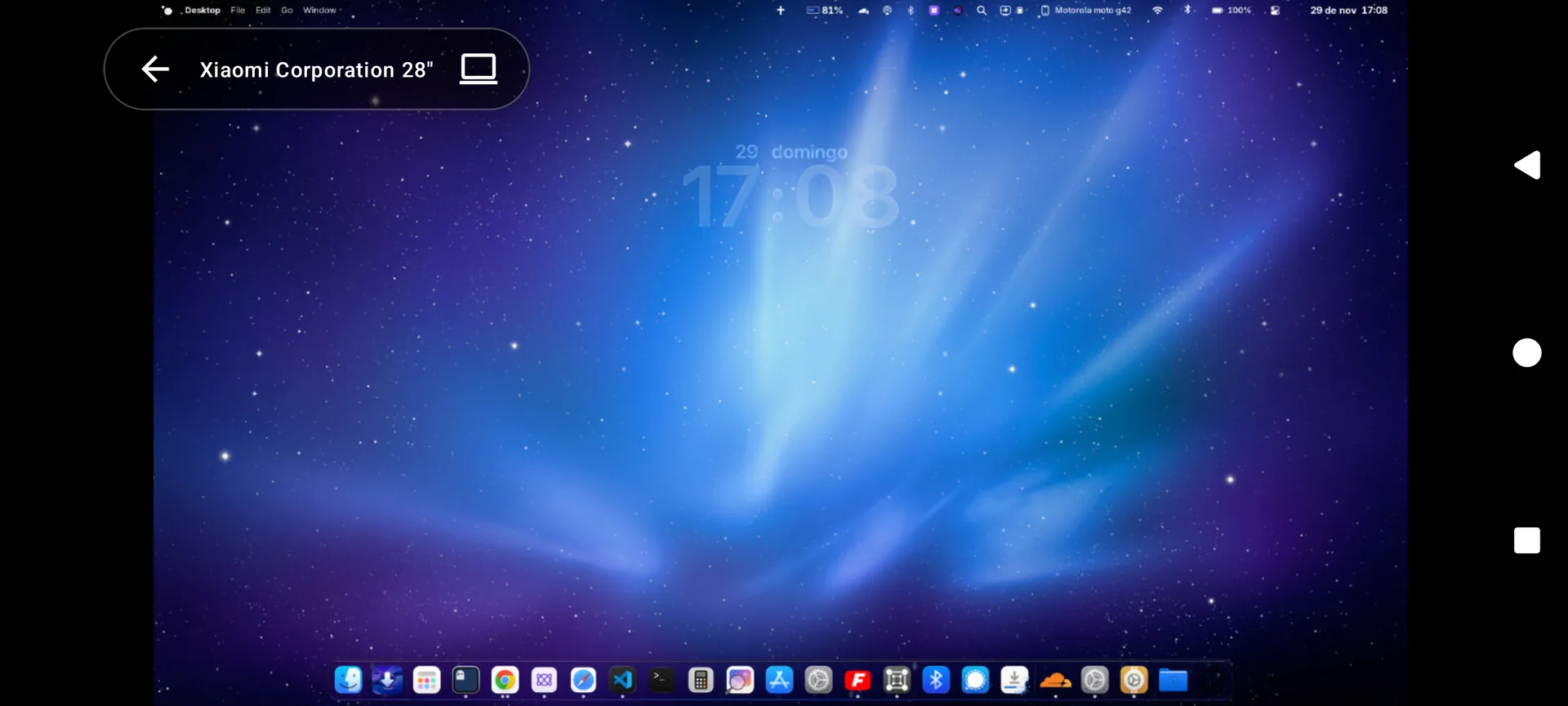
Any of the computer's displays, live and full screen. The PC's sound goes to your phone and the machine is muted: you hear everything wherever you are.
Pulsar OS · Android
You don't have to sit at the desk to control it, you don't need cables to send files, and you can forget the dozens of apps for sharing and receiving your screen.
Features
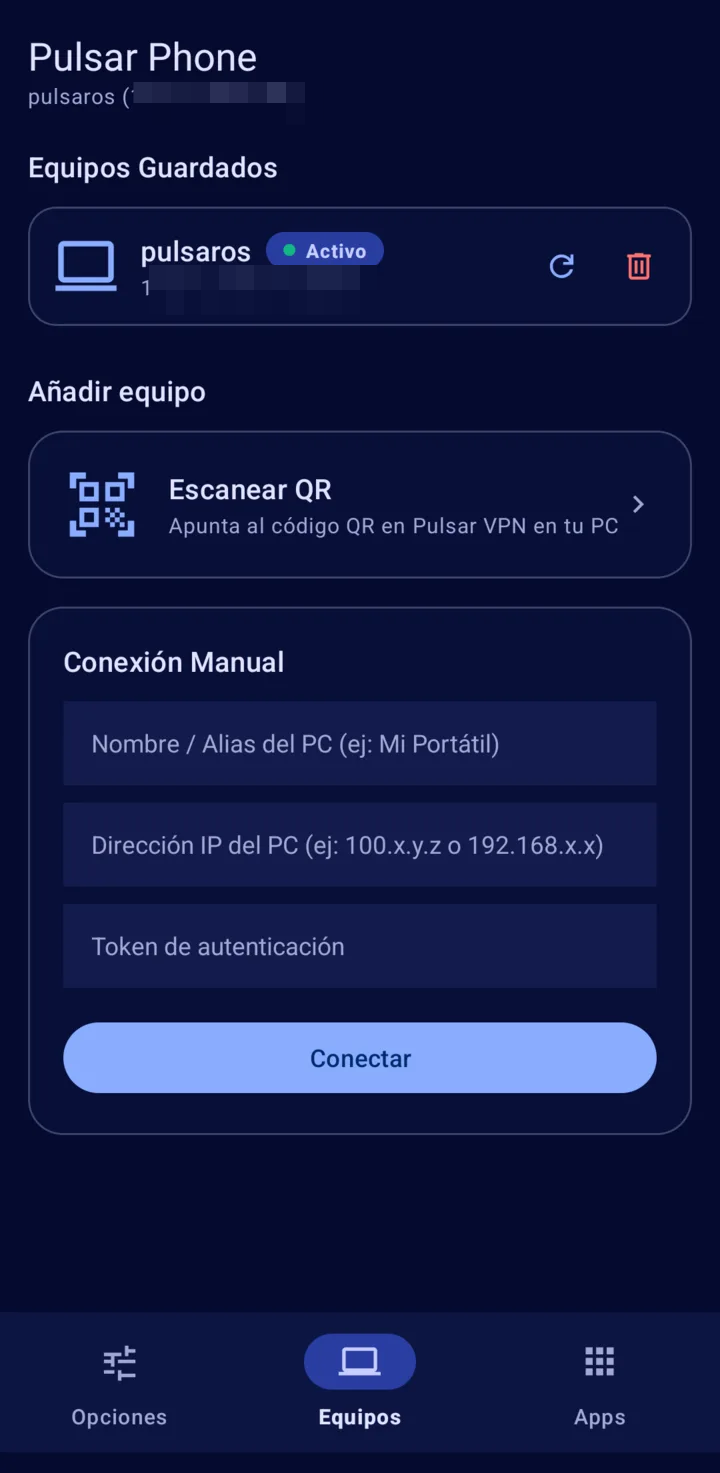
Turn it on from the Devices tab by scanning the QR code Pulsar VPN shows on your desktop. From there, everything else is one tap away.
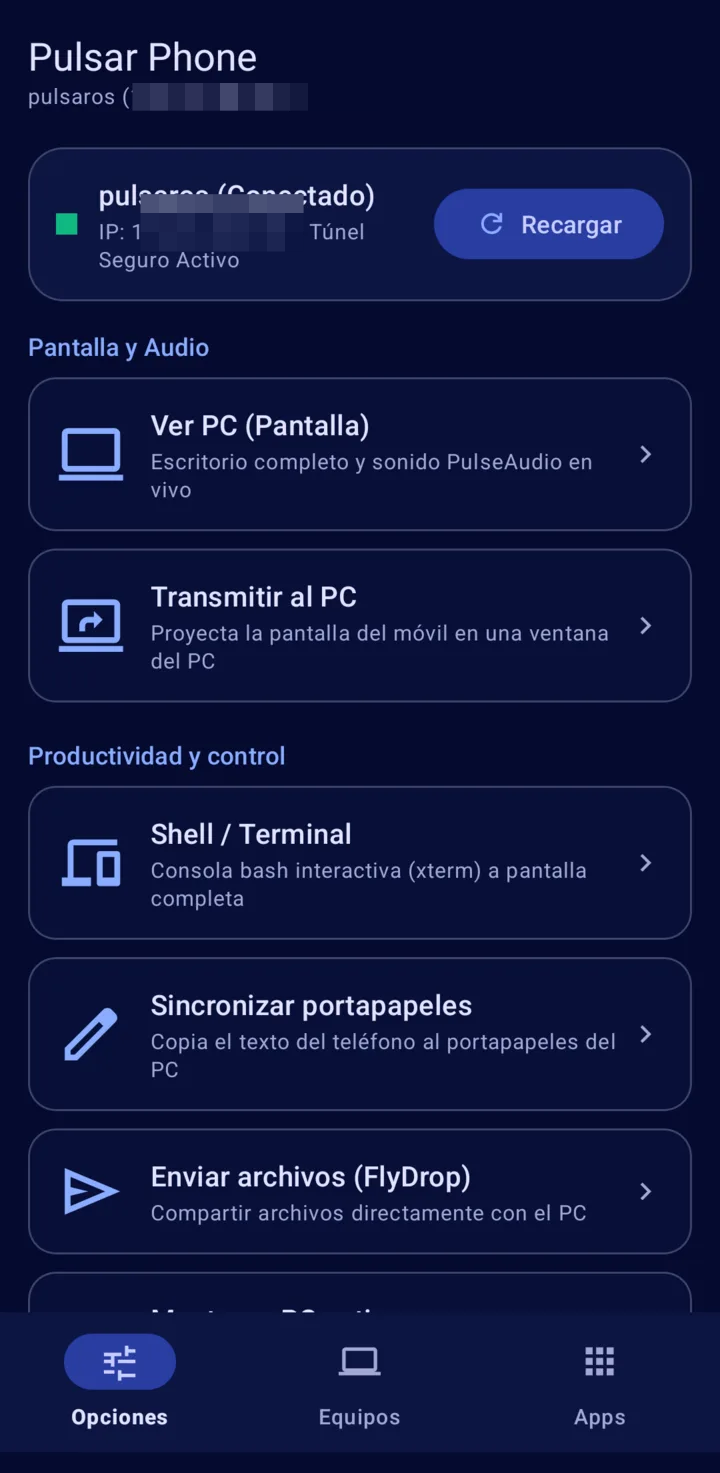
Any of the computer's displays, live and full screen. The PC's sound goes to your phone and the machine is muted: you hear everything wherever you are.
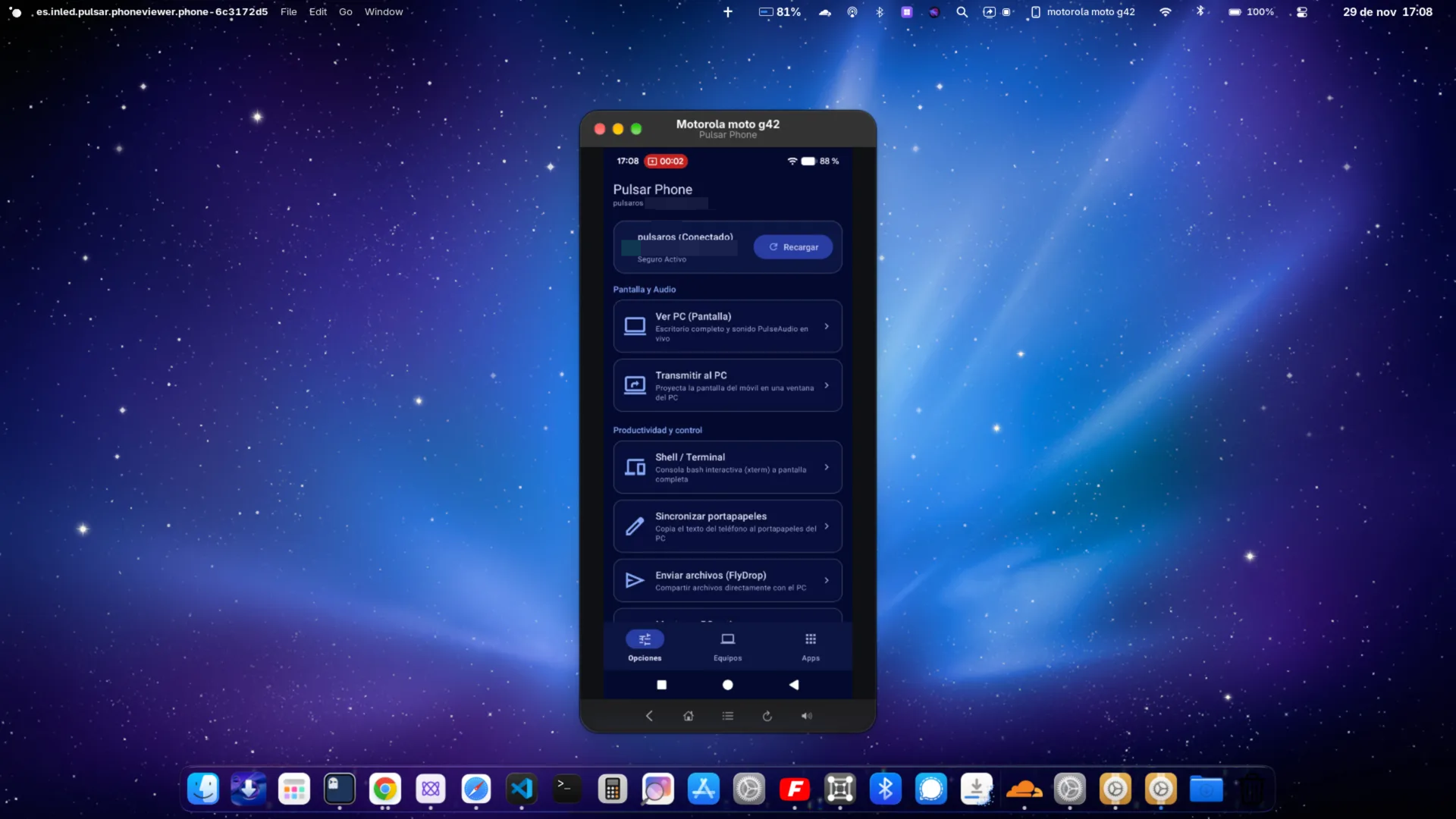
Project your phone onto the desktop and control it with mouse and keyboard. Audio plays on the PC, over a direct bridge connection — no ADB, no scrcpy.
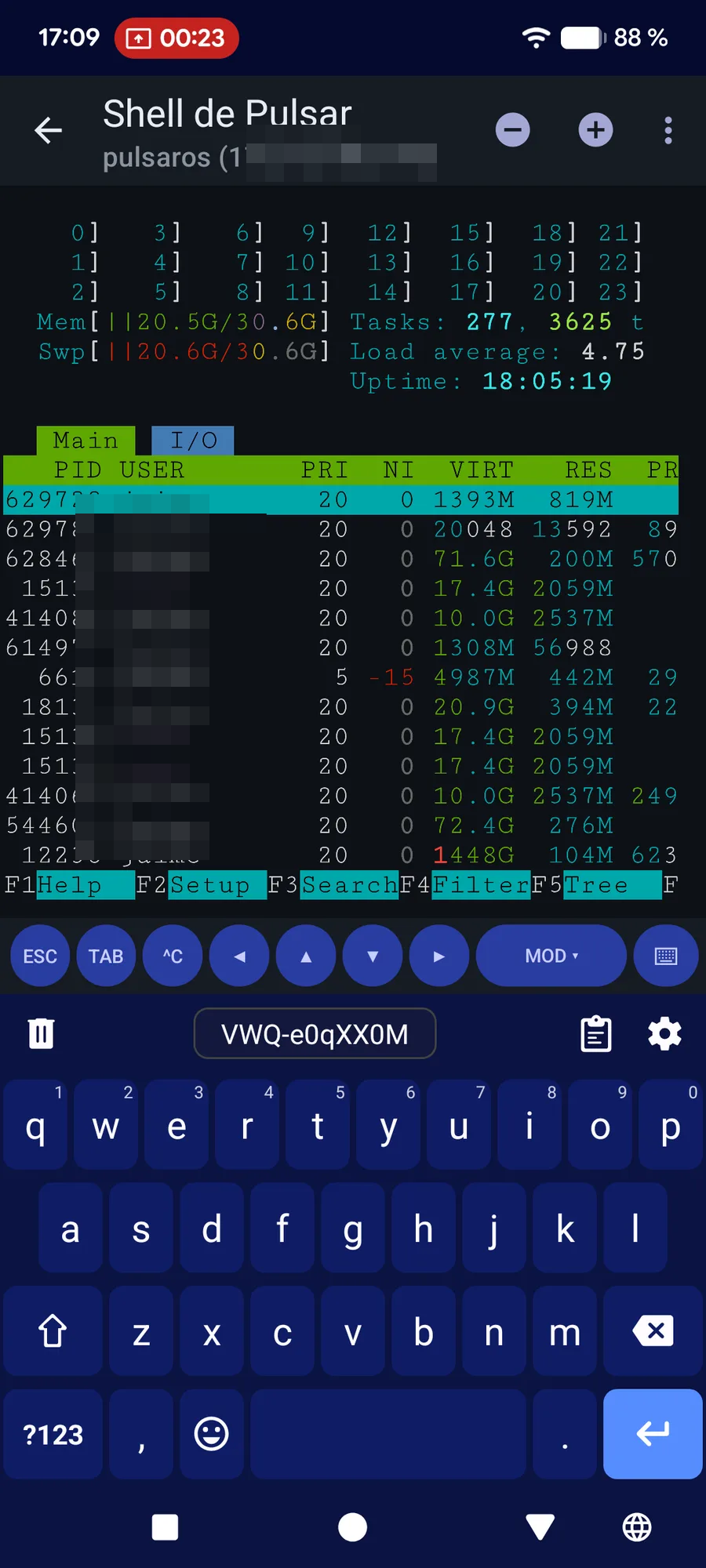
A real terminal, with colours, animations and full-screen text apps. Includes a special-keys bar (Esc, Tab, Ctrl, arrows and modifiers) for keyboard shortcuts.
Sync the clipboard both ways and send or receive files, text and links instantly. FlyDrop lives in Android's Share menu, in the app and in the PC integrations.
For when you're travelling: a switch stops the machine from sleeping while you're using it remotely.
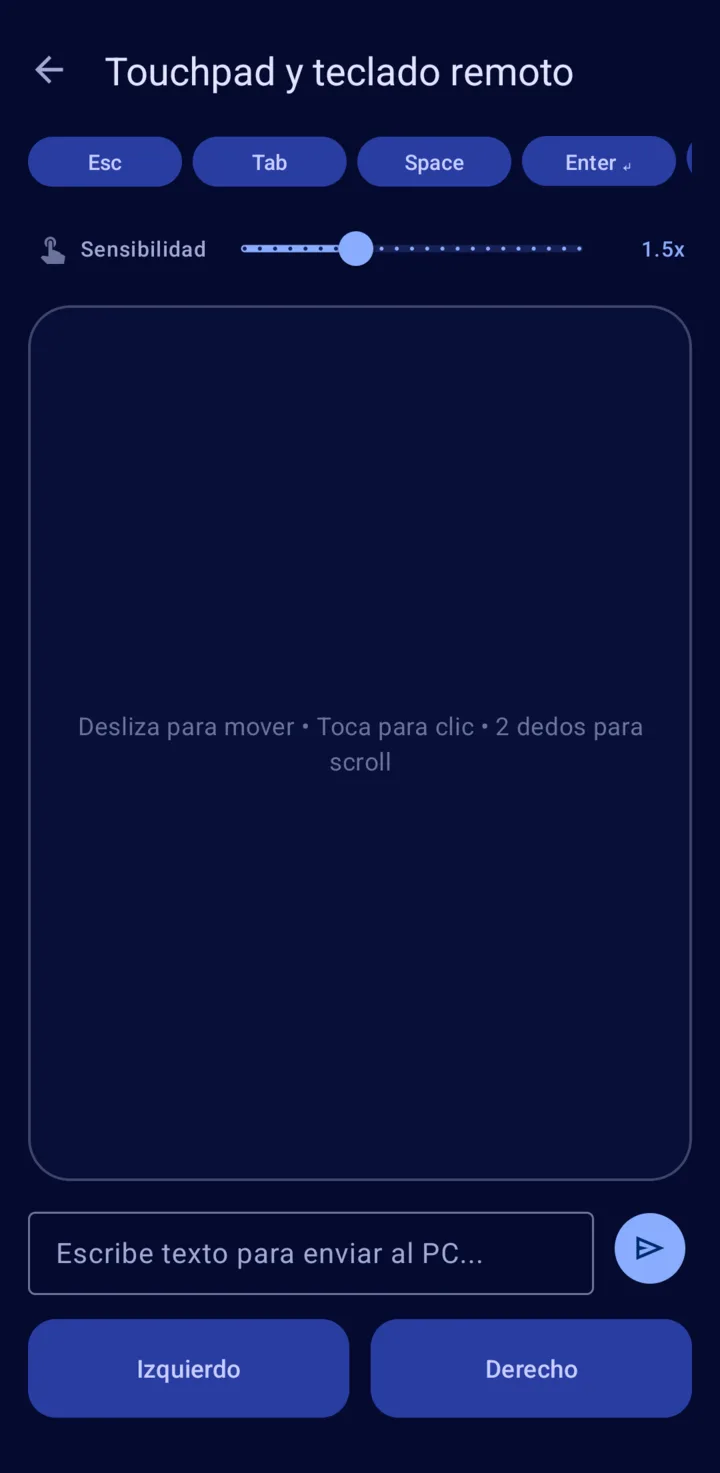
A trackpad under your finger, adjustable sensitivity, left and right click, keys and a text field to type on the PC from your phone.
When you're done, lock the computer's session with one tap from the app, without going back to the desktop.
Your phone's notifications show up on the Pulsar OS desktop, with no middleman apps and no accounts.
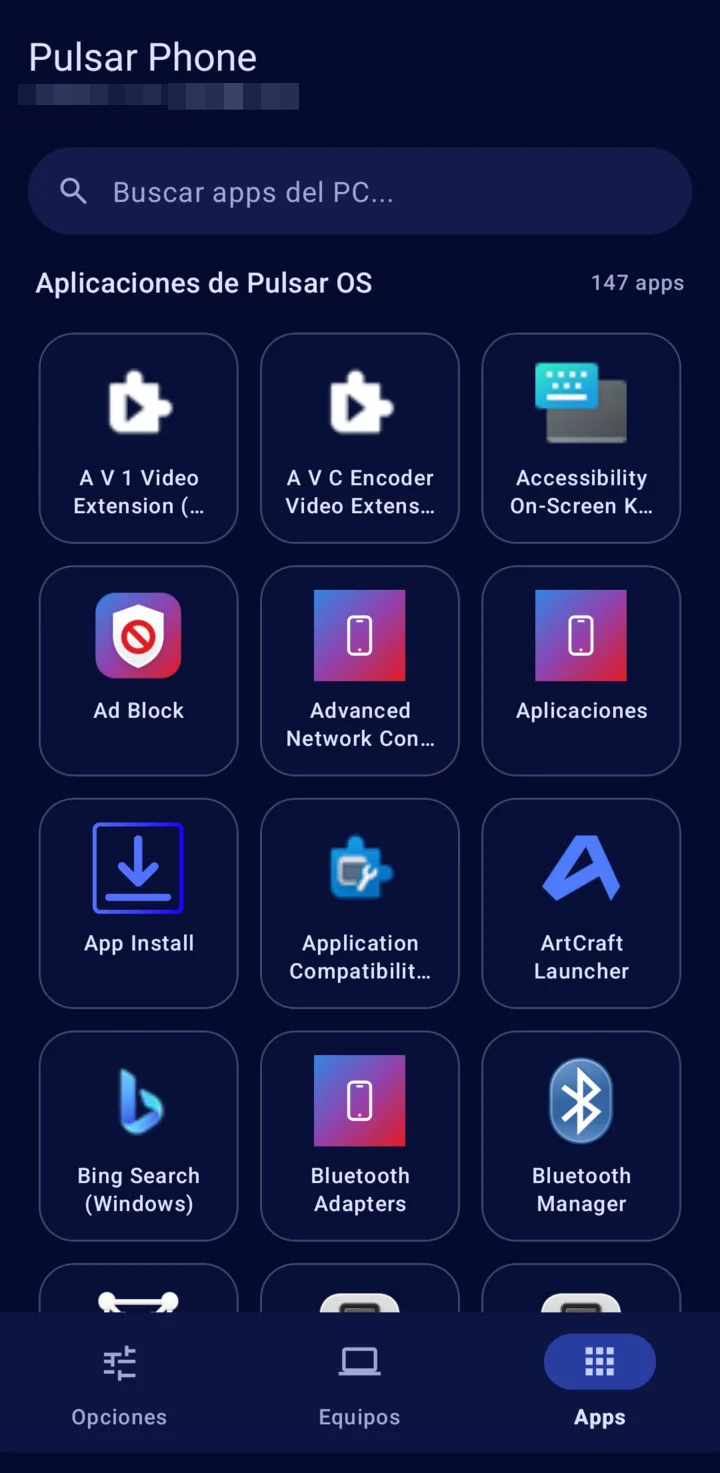
Search everything installed on the machine and open each app in its own isolated window, from the phone.
Connect
Add fdroid.inled.es/repo to an F-Droid client (we recommend Droidify) and install Pulsar Phone. No Google account needed.
Open Pulsar VPN on the PC and look at the QR code it shows. In the app, go to Devices and tap Scan QR: with your phone on the same Wi-Fi, you’re connected.
If you're not on the same Wi-Fi as the PC, install Tailscale on your phone and turn the tunnel on: the app reaches your machine over mobile data as if you were at home.
Download
Pulsar Phone is distributed from Inled's F-Droid repository. Add it to your client and get every release without downloading anything by hand again.
or if you prefer, download the APK directly